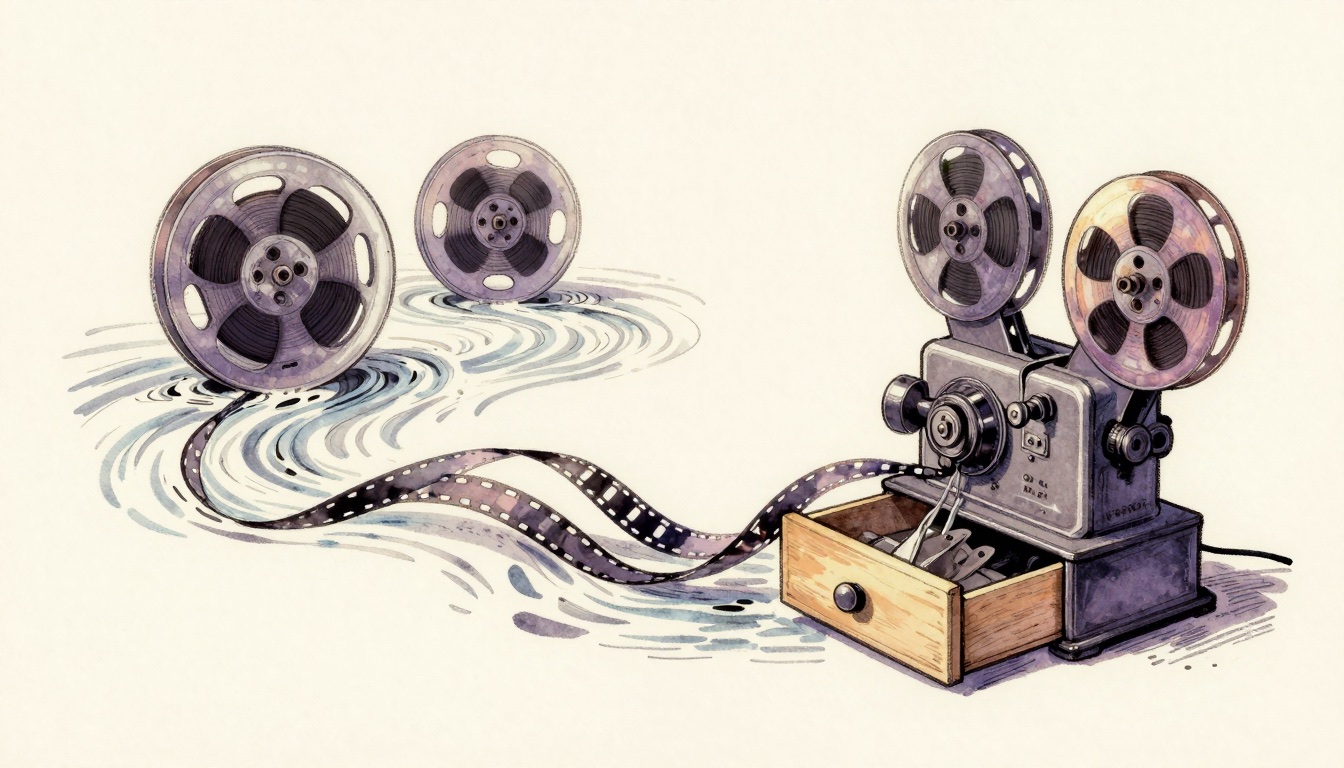
Streams from your SSD
On the lowest steps the transformer blocks flow from disk while the GPU works, so only a few blocks sit in memory at once.
34.5 GB → 13.8 GB · GPU waited <0.03 s total
Shuttrr runs giant video and image models in a fraction of the memory. It streams the model from your SSD a few blocks at a time, gives you the same pixels, bit for bit, and never pushes your Mac into swap.
$ curl -fsSL https://raw.githubusercontent.com/sarthakrawool/shuttrr/main/scripts/install-app.sh | bash
A video model wants the whole thing in memory at once. Shuttrr splits the work into stages, frees each part as soon as it is done, and on the lowest steps reads the transformer from the SSD while the GPU works. In the measured runs the GPU waited less than 0.03 seconds in total.
Every low-memory step that is on by default is checked against the full-memory run, frame by frame. Here are the 93 frames of the LongCat test, each one matched exactly.
No magic and no smaller model. The same weights, read and freed in a smarter order, with a lifeguard watching your memory.
On the lowest steps the transformer blocks flow from disk while the GPU works, so only a few blocks sit in memory at once.
A request starts only when its peak fits in what macOS can give right now. Then a watchdog checks every second.
A local HTTP API, an OpenAI-compatible images endpoint and a ComfyUI node pack. It reads from local LLM servers but never unloads them.
Download it, open it, pick a model. It installs its own engine, downloads the weights and tells you, in plain words, what fits on this Mac.
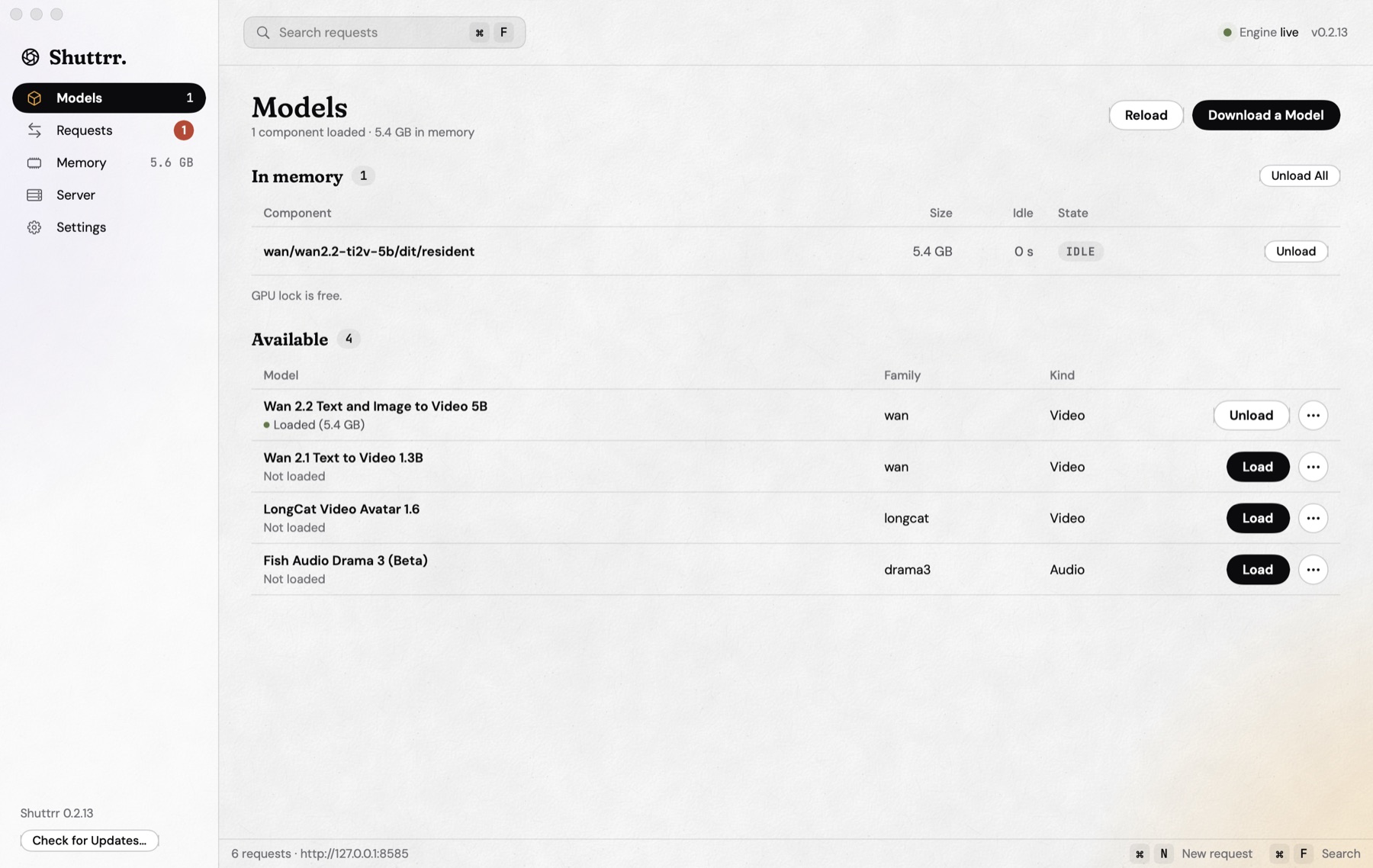

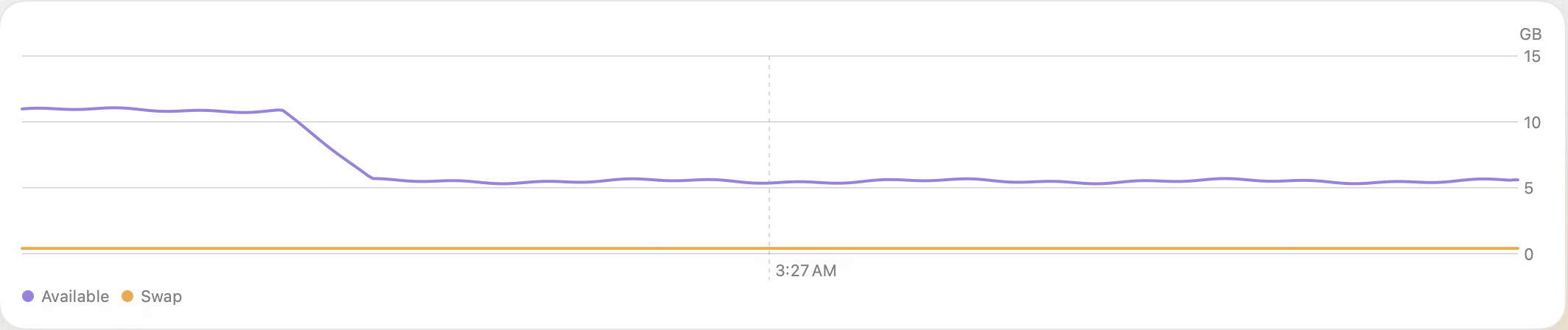
Picks the fastest memory step that fits in your free memory right now, and says so when it steps down.
Recommended, fits but barely, or doesn't fit. Measured on Macs like yours, never a promise.
Counted from this run's own step times, not a guess. Cancel stops within a second or two.
It asks before it downloads anything. Your models and settings stay.
Each model downloads only when you pick it. Shuttrr won't offer one your Mac can't run.
A face and a voice clip in, a talking video out.
The first model on a 16 GB Mac. No conversion, one click.
704×1280 by default, even on a 16 GB Mac, with a frame-by-frame decode.
Pictures from text, with LoRAs. Every illustration on this page was made with it, in Shuttrr.
Expressive speech. Streams its experts from the SSD on 48 GB Macs.
Your own checkpoint or fine-tune, converted to 8-bit low memory with shutter convert. LoRAs too.
Z-Image Turbo, 1344×768, 9 steps, sent through the app's own engine on a 16 GB MacBook with everything else still open. About a minute each, never more than 2.3 GB.
Every number on this page is a run timed on a real Mac: LongCat on an M5 Max with 128 GB, Wan on a 16 GB M5 MacBook. Peak is the memory peak for the whole request.
Results on other Macs aren't measured yet. Run Shuttrr on a different chip and share your numbers in a GitHub issue.
Apple silicon (M1 or newer), macOS 14 or newer. About 18 GB free disk for the starter model.
Paste into Terminal. It puts the latest app in Applications and opens it, with no security prompt.
Drag Shuttrr to Applications. The first time, macOS asks once: press Done, then Open Anyway in Privacy and Security.
Download Shuttrr.dmg →The first window checks your Mac, installs the engine and shows what fits. On 16 GB it recommends Wan 2.1 1.3B.
Full guide →The engine listens on your Mac. Submit requests, watch progress, load and unload models, or point an OpenAI images client at it.
API docs →# a picture, through the OpenAI-compatible endpoint curl http://127.0.0.1:8484/v1/images/generations \ -H 'Content-Type: application/json' \ -d '{"model": "z-image-turbo-8bit", "prompt": "an elephant folded into a laptop bag", "size": "1344x768"}' # or a talking video from the command line shutter submit --model longcat-avatar-1.6-8bit \ --image face.png --audio voice.wav --wait